

Describe the house.
See it clearly.
Describe the house. Get a viewing checklist and a clear-headed compare. Viewly turns a few details into a room-by-room checklist, the right questions to ask, a scored compare and a rough budget range — so you walk in prepared and decide with a clear head.
Viewly is an AI aid for buyers. It is not property, legal, valuation, mortgage or survey advice, and not an estate agent, valuer, mortgage broker or surveyor.
Describe the property on the left and generate a room-by-room checklist, the questions to ask, a scored compare and a rough budget range.

Most people forget half of what they meant to check.
Viewly gives you the list before you go, and a calm way to compare after.
Five steps, one clear decision.
- 1DescribeTell Viewly the property, your budget and what you're worried about.
- 2ChecklistGet a room-by-room list plus the questions to ask the agent or seller.
- 3CompareScore several properties and see them side by side on a radar.
- 4AdjustAdd a property, change weights, refine your budget parameters.
- 5RecapGenerate a short viewing recap and export the whole pack.

Everything in one clear workspace.
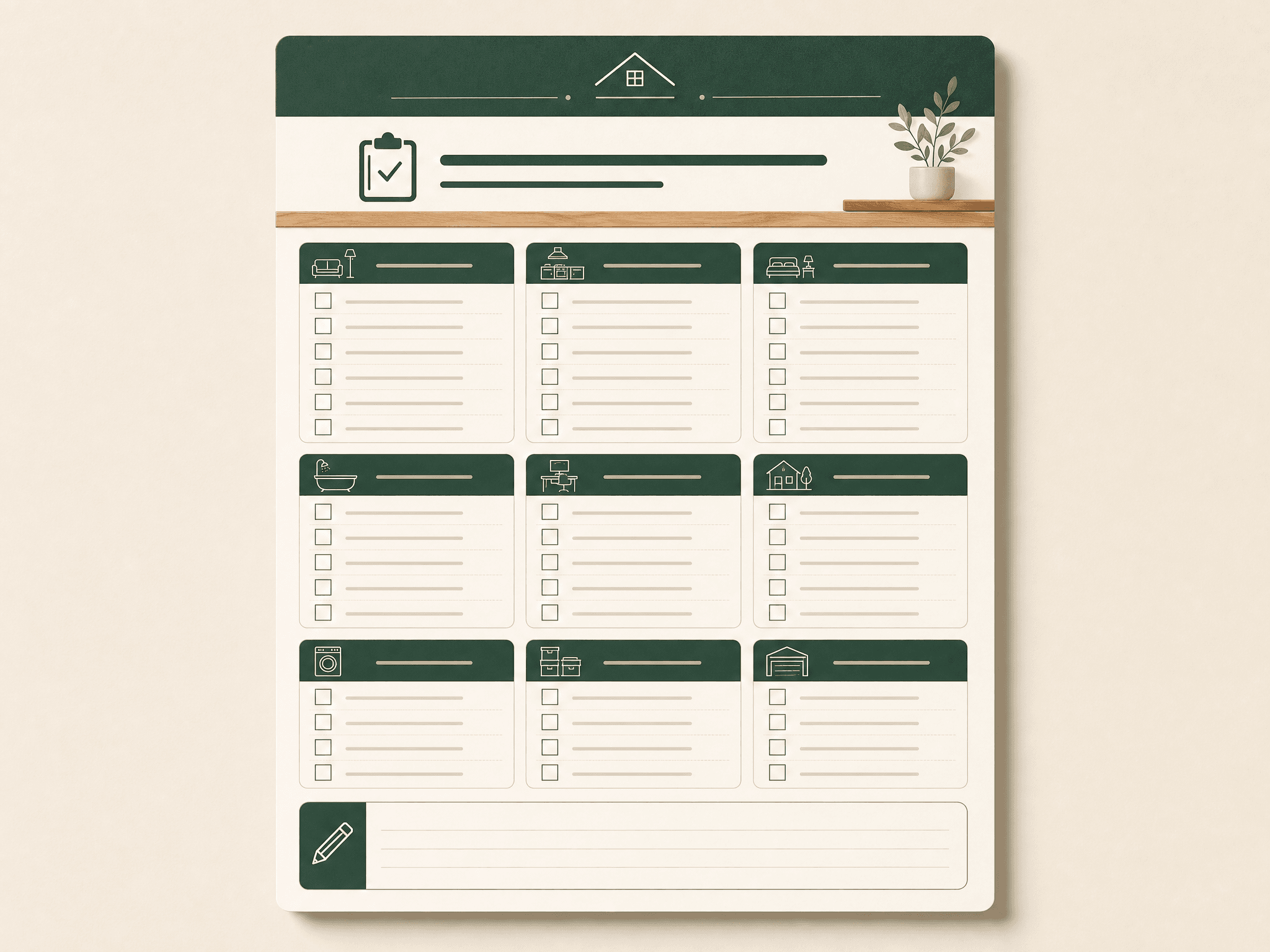
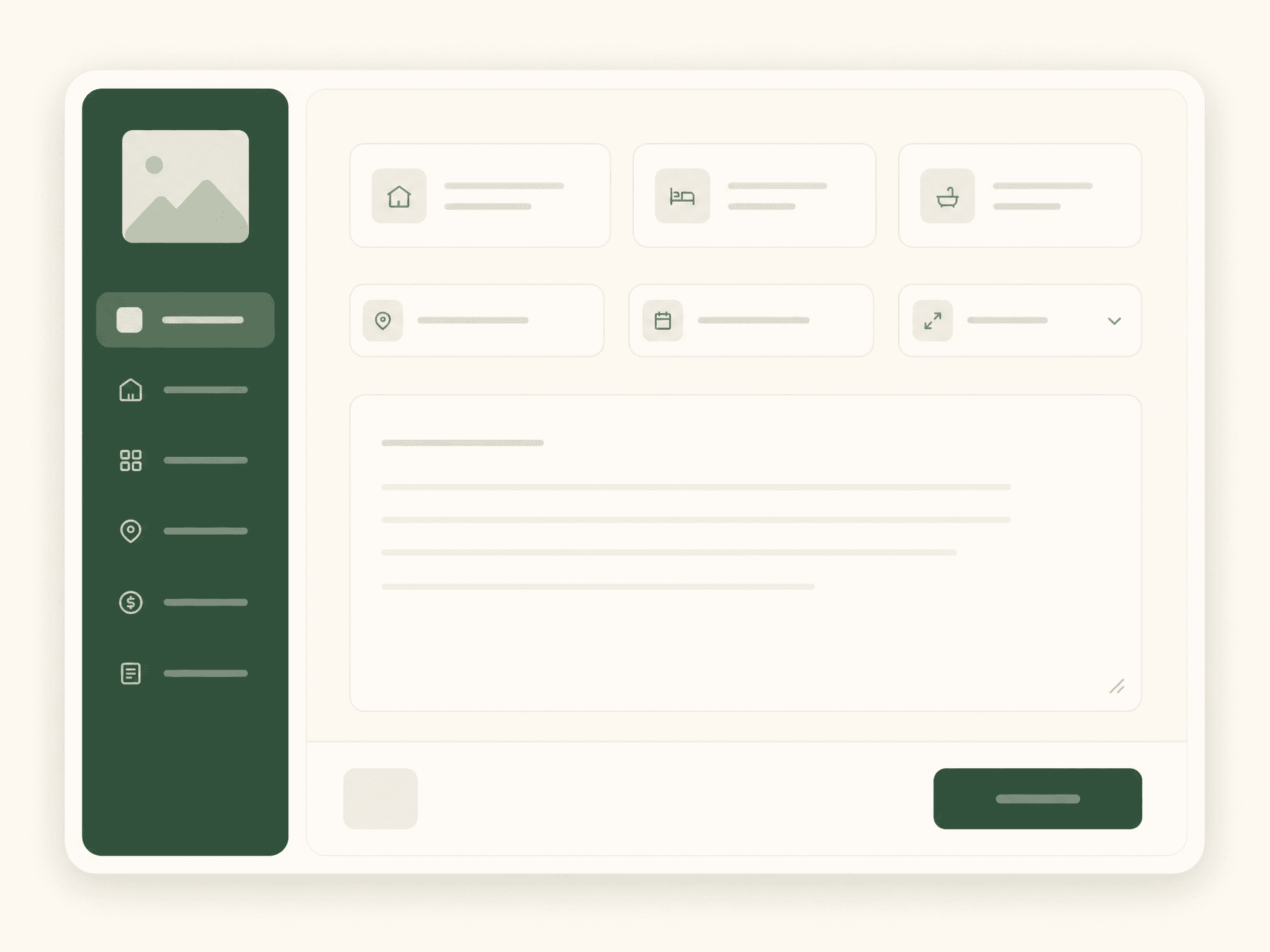
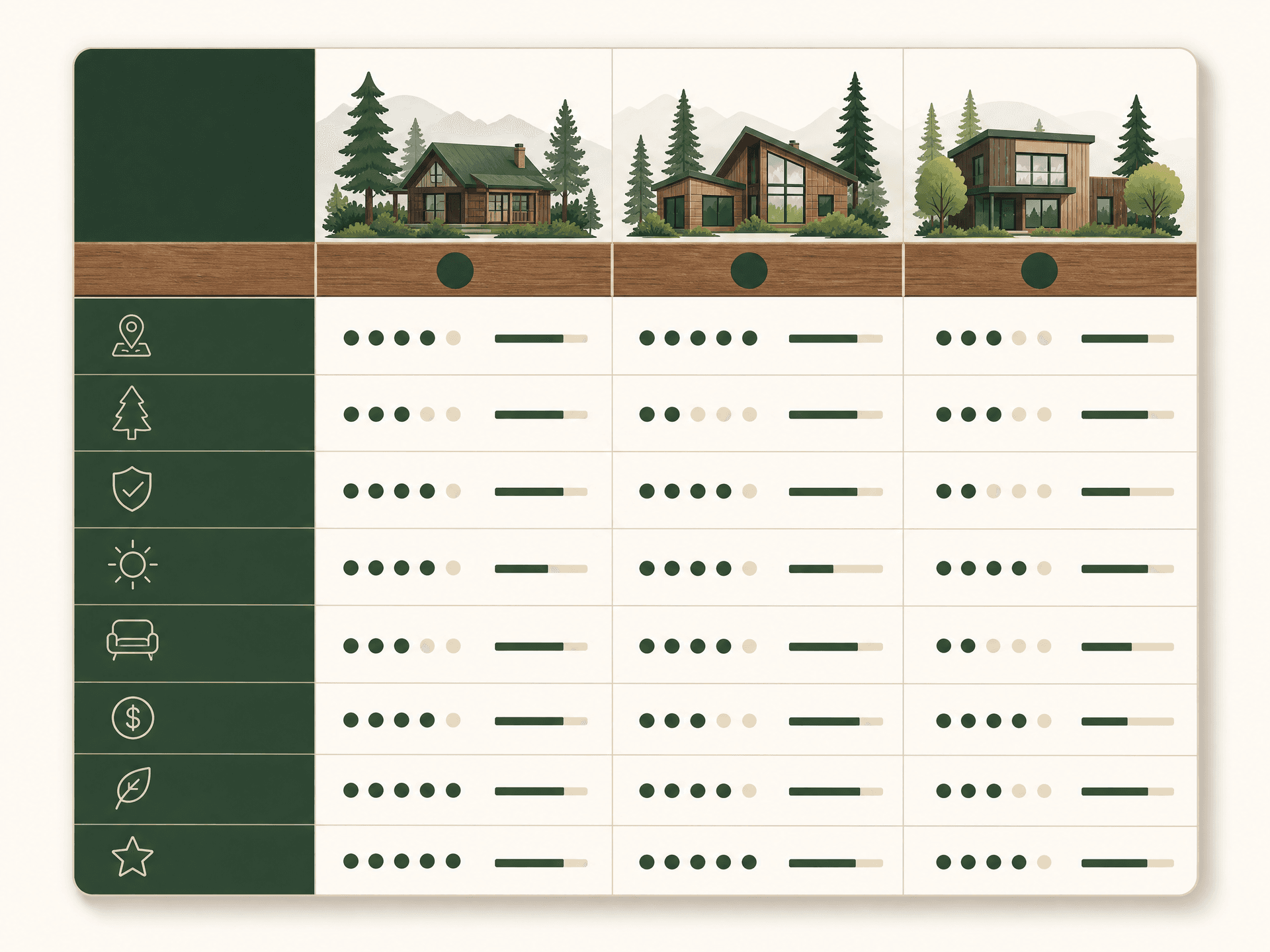

Turn your notes into pictures.


From doorstep to decision.

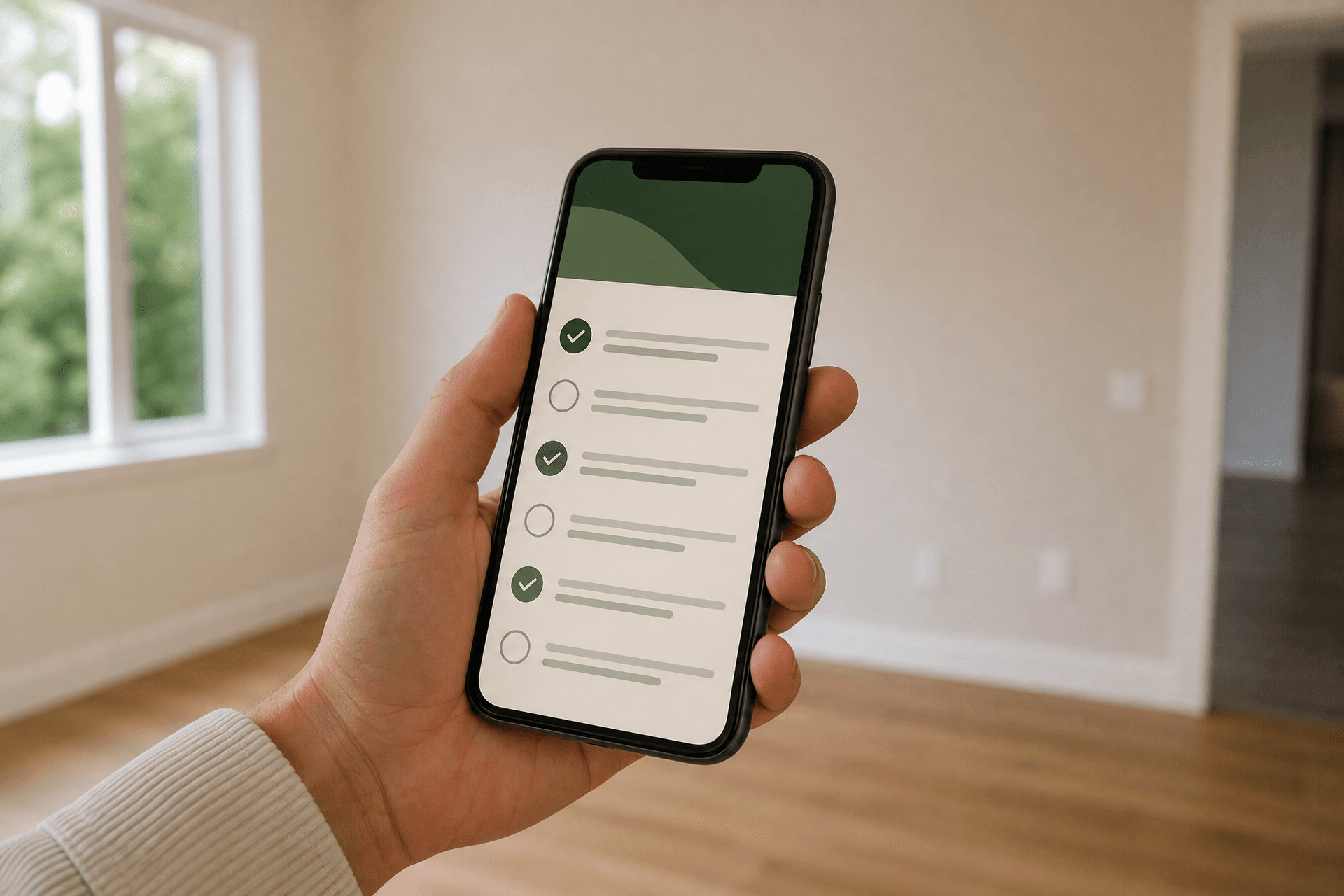
Print the checklist or open it on your phone. Tick as you walk each room, then compare later.
Open the studioSimple subscriptions, billed in USD.
- · 1 property checklist
- · 2 generated documents each month (watermarked)
- · Questions-to-ask starter list
- · No compare tables or recap video
- · Unlimited viewing checklists
- · Multi-property scored compares
- · 60 diagram renders / month
- · Full print + PDF/PNG export
- · Everything in Buyer
- · Viewing recap videos (9:16 + 16:9)
- · Shared compares with a partner
- · Decision-record timeline

Questions buyers ask us.
Is this professional advice?
No. Viewly is an AI aid for organising your viewing and thinking. It is not property, legal, valuation, mortgage, tax or survey advice, and not an estate agent, valuer, mortgage broker or surveyor.
Are the budget figures real quotes?
They are rough estimate ranges from the numbers you enter — not a mortgage approval, a rate promise or an affordability decision. Always confirm with a lender.
Do you handle any money or offers?
No. Viewly never collects a purchase price, deposit or fee, and does not broker transactions. You only ever pay a subscription for the software.
Can I take the checklist to a viewing?
Yes. Print it or open it on your phone and tick items as you go, room by room.

Walk in prepared.
Build your first viewing checklist free — no purchase money ever changes hands here.
Open the viewing studio